
Zapya
Zapya is a free Android app from DewMobile for sharing files between nearby phones, tablets and computers without using mobile data.
25.2 MB

7.2.0.6 · Vivo Communication Technology Co. Ltd · Page updated
EasyShare is vivo's free Android app for transferring files and data between phones, often used when moving to a new vivo device.
Average 0.0 · ratings: 0
Thank you! Your rating is saved; you can change it. Could not save the rating. Please try again later. Too many ratings from your network today. Please try again tomorrow. The average appears after 5 ratings.
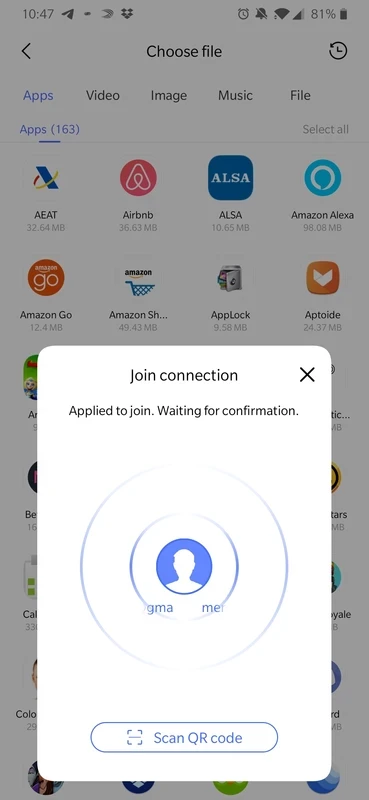
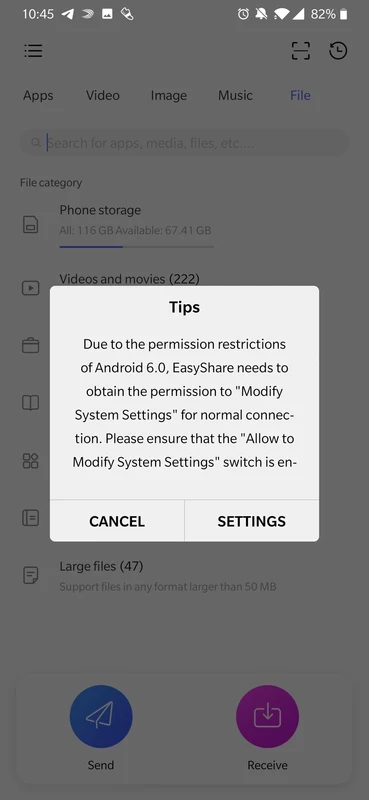
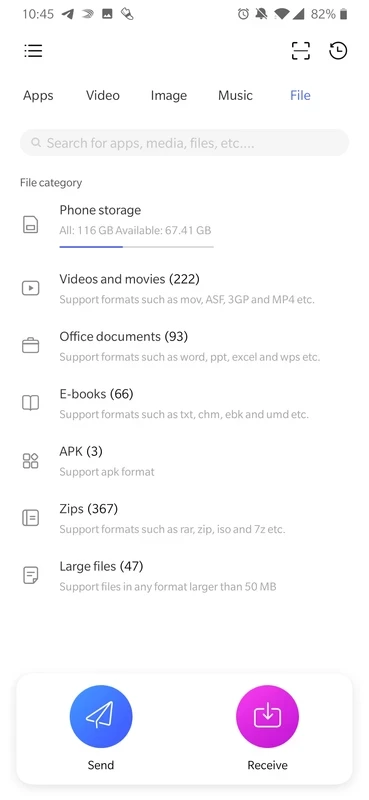
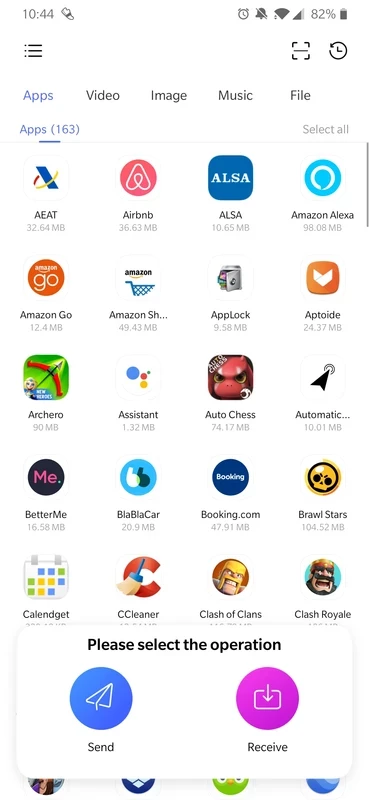
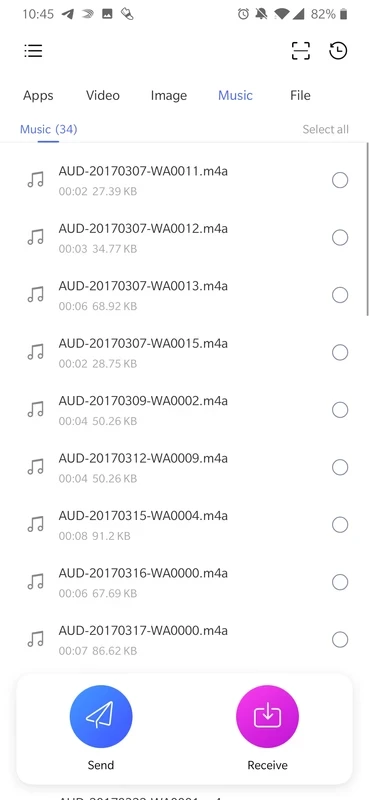
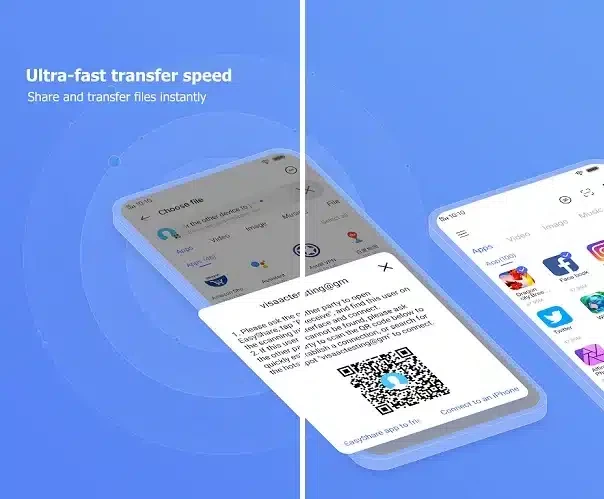
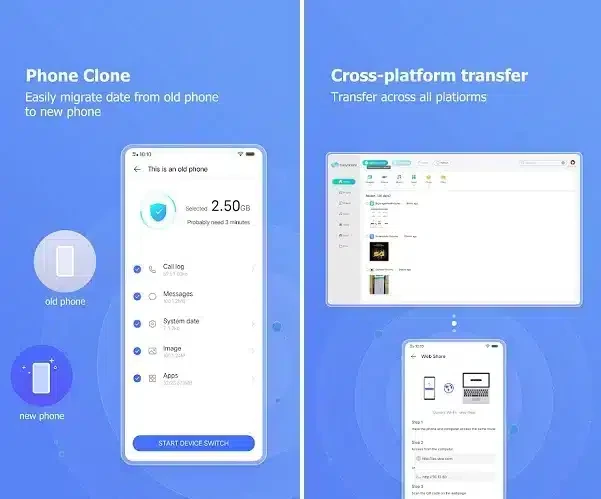
EasyShare 7.2.0.6 is a free Android app from Vivo Communication Technology for transferring files and data between phones. It is most useful when you move to a new vivo phone and want to bring your content along, and details are on the official EasyShare website.
EasyShare is meant first of all for vivo owners. If you are replacing an old phone with a new vivo device, it is the manufacturer's own route for moving photos, videos, music and documents so you do not have to copy them by hand through a computer. It also suits families and friends who want to pass a batch of holiday photos or a large video from one phone to another without a computer or uploading everything to the cloud first. People who switch between brands regularly may prefer a transfer app that is not tied to one manufacturer, and anyone who only moves the odd photo can simply use the sharing options already built into Android. For the specific job of setting up a new vivo phone, however, the manufacturer's own tool is the natural first choice.
| Item | Details |
|---|---|
| Version | 7.2.0.6 |
| Developer | Vivo Communication Technology Co. Ltd |
| Platform | Android |
| Price | Free |
| Size | about 45.92 MB according to catalogue data |
More information is on the official EasyShare website.
Open a few photos, contacts and documents on the new phone to confirm they arrived. Chat apps usually need their own backup and restore, so check them separately. Only then remove your accounts from the old phone and reset it.
Interrupted transfers are usually caused by a phone going to sleep, a battery saver closing the app or the devices drifting too far apart. Plug both phones in, disable power saving for the duration of the move and keep them side by side on a table. If a large video keeps failing, send it separately after the main transfer, and restart both phones before trying again.
A transfer app briefly has access to almost everything on your phone. Grant permissions only for the duration of the move, do not accept transfer requests from strangers in public places, and install the app from official sources such as the phone's own app store or vivo's website.
Our listings include OPPO Clone Phone for OPPO devices, and SHAREit and Zapya, general file transfer apps for Android.
Zapya is a free Android app from DewMobile for sharing files between nearby phones, tablets and computers without using mobile data.
ES File Explorer is a file manager for Android from ES APP Group for browsing, copying, moving and organising files on a phone or tablet.

OPPO Clone Phone is the ColorOS app for copying contacts, messages, photos, apps and settings from an old phone to a new OPPO phone over a direct connection.

Send Files To TV is a free Android app by Yablio for sending files between phones, tablets and Android TV devices over a local Wi-Fi network.

SHAREit is an Android app for sending photos, videos, apps and documents between nearby devices without using mobile data.